Students tap out
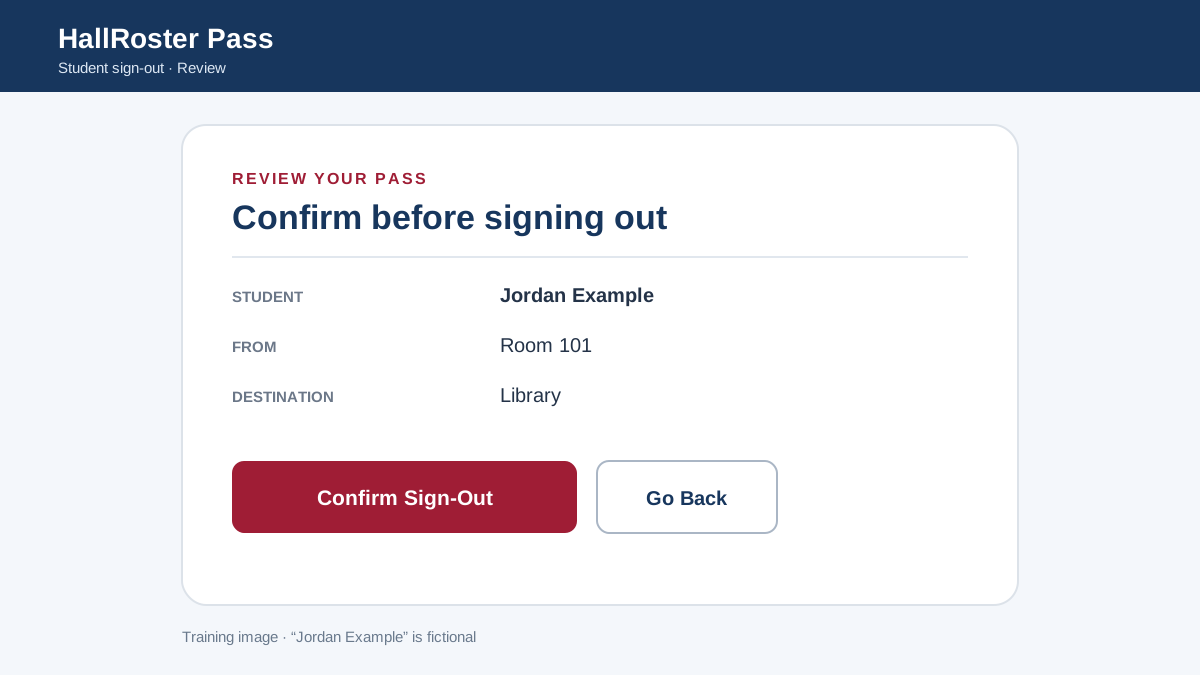
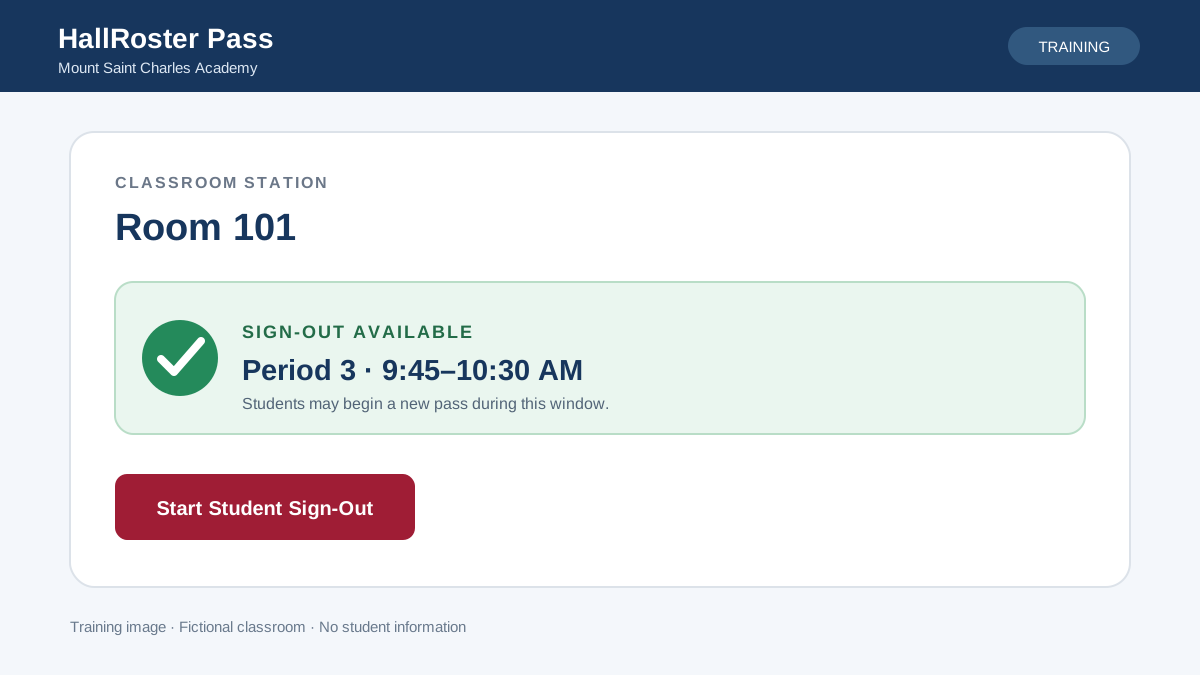
On the classroom Chromebook, the student picks their name and destination, checks the pass and confirms.
Home/Product
A quick digital sign-out on the classroom Chromebook, and a live view of the hallway for staff.
Students handle their own pass, and staff see the whole hallway in real time.
On the classroom Chromebook, the student picks their name and destination, checks the pass and confirms.
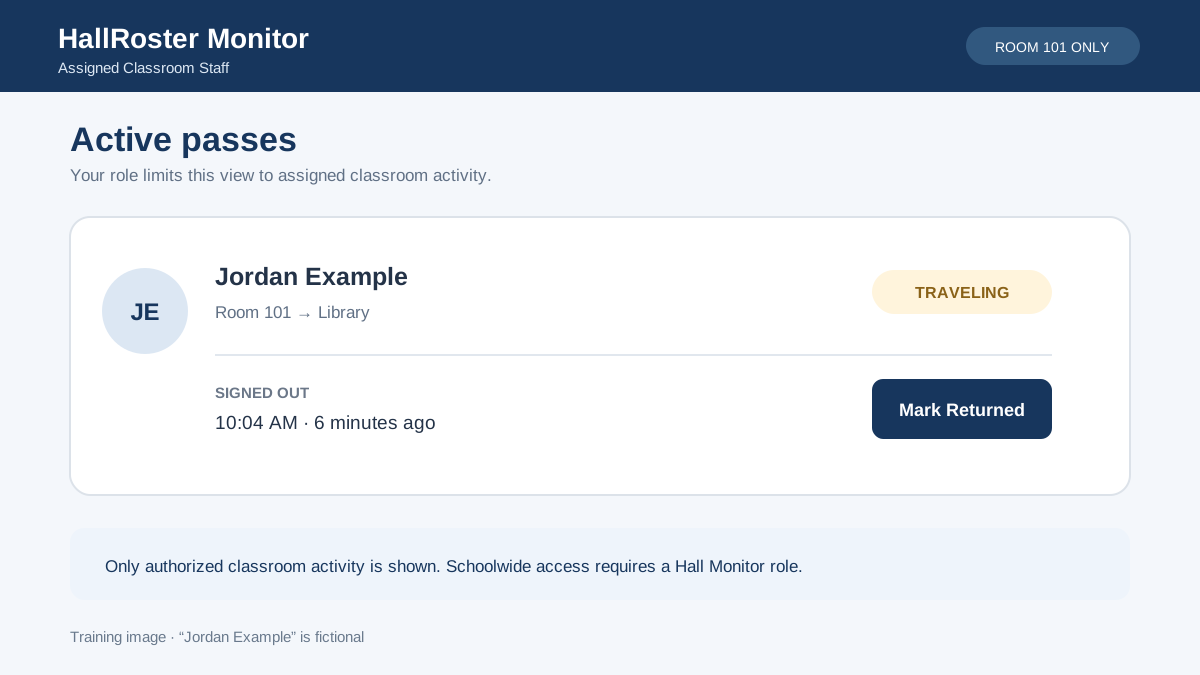
Teachers and hall monitors see each active pass: where it’s headed, whether the student arrived and how long they’ve been gone.
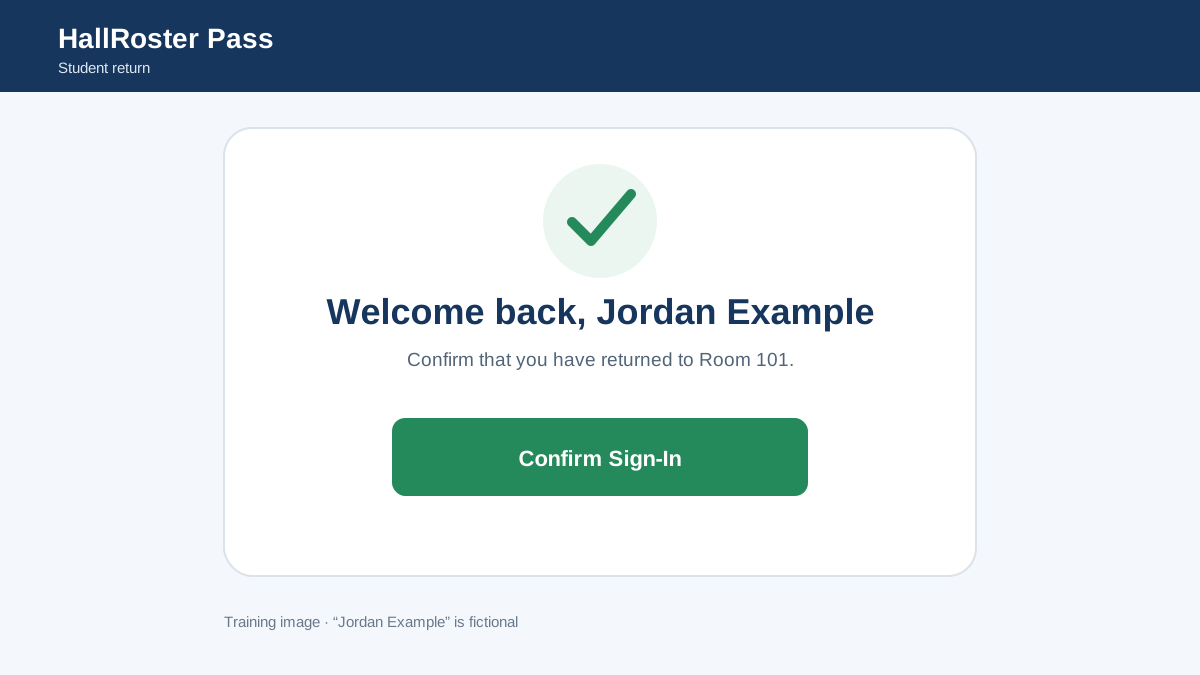
One tap on the same Chromebook closes the pass. Every trip is saved for reports and follow-up.
Every active pass in one place, marked Traveling or Arrived, with elapsed time. Search by student, classroom, destination or note.
Set a warning time for each destination. Alerts flag what to review, without assuming a student did anything wrong.
Passes follow your bell schedule and calendar changes. Open passes close automatically at the end of the day.
Each pass records the room a student left and where they went. “Other” destinations require a note.
Private photos help staff confirm identity at a glance. Initials appear when there’s no photo.
Search pass history and export to CSV by student, class, destination or time of day.
Schoolwide oversight without chasing clipboards.
Students sign themselves out, so class keeps moving.
A live list that answers “where should you be?” in seconds.
Simple enough that nobody needs training.
Built for the devices and accounts you already manage.
Get a walkthrough for your team and a quote sized to your school.