
New: HallRoster is live at Mount Saint Charles Academy Academy staffHelp & supportCloudForce TechnologiesContact
HallRoster Book a demo

Home/Mount Saint Charles Academy

HallRoster at Mount Saint Charles Academy.

Guides for students, teachers and hall monitors. Photos courtesy of Mount Saint Charles Academy.

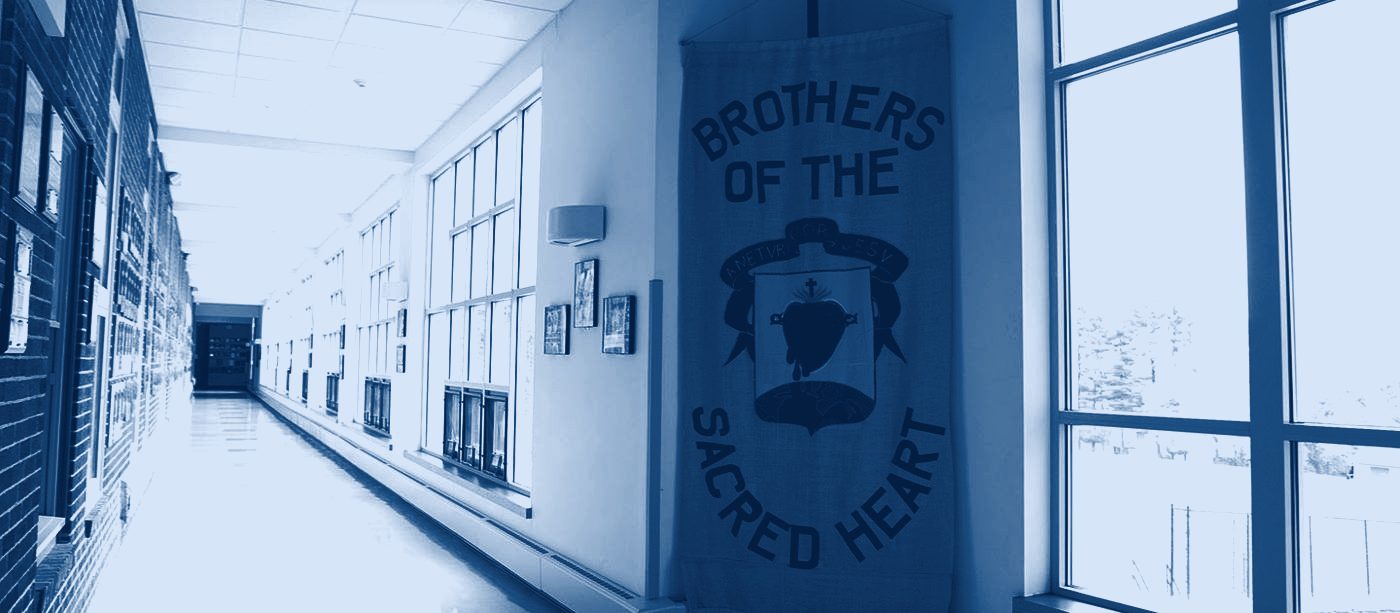
A sunlit hallway at Mount Saint Charles Academy
Our first partner school

Built with the Academy’s teachers and staff.

Mount Saint Charles Academy is the first school to use HallRoster. These guides come from the HallRoster help guide used at the Academy.

Students

Signing out

  1. Ask your teacher before you leave.
  2. On the classroom Chromebook, select your name and where you are going.
  3. Check your request and confirm your sign-out.
  4. Go straight there and come straight back.
  5. Sign back in on the same Chromebook when you return.
Teachers

Before class

  • Make sure the classroom Chromebook is set up and shows the right room.
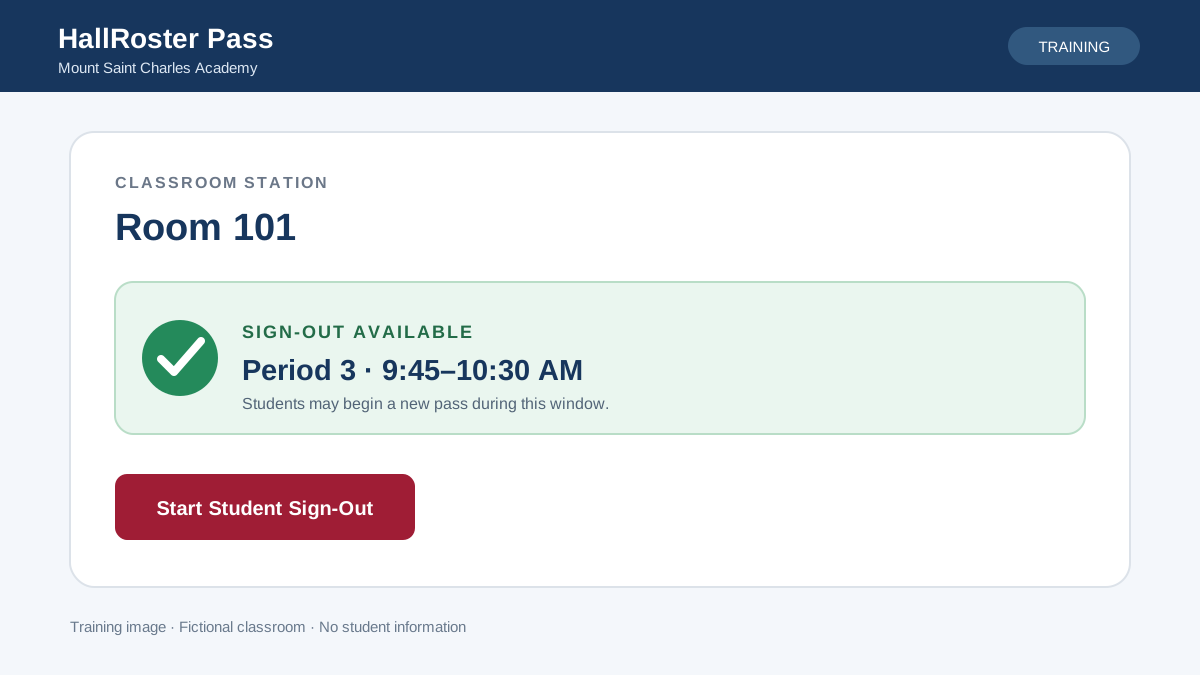
  • Check that it shows the current period, or “Sign-Out Available” with its time window.
  • If sign-out is unavailable, don’t clear browser data or re-enroll the Chromebook. Contact an administrator.
  • At the end of the day, open passes close and are marked “Did Not Sign Back In.”
Hall monitors

In the hallway

  • Search by student, classroom, destination or note.
  • Mark a student Arrived or Returned, create a pass for a student already in the hall, or change a pass. Every change goes to the audit log.
  • Over-time alerts help you decide what to review. On their own, they don’t mean a student did something wrong.
HallRoster Pass classroom station showing Room 101 with Sign-Out Available for Period 3
What a ready station looks like. Training image with a fictional classroom.
A Mount Saint Charles Academy student working on a laptop in the libraryThe Mount Saint Charles Academy building in Woonsocket, Rhode Island
Privacy at the AcademyUse your Mount Saint Charles Academy Google account only. Don’t share setup codes, downloaded reports, student photos or screenshots through unapproved channels.
Need help?Contact the Mount Saint Charles Academy Technology Department through the school’s help desk process.Staff login: [staff login link to be added]Visit mountsaintcharles.org